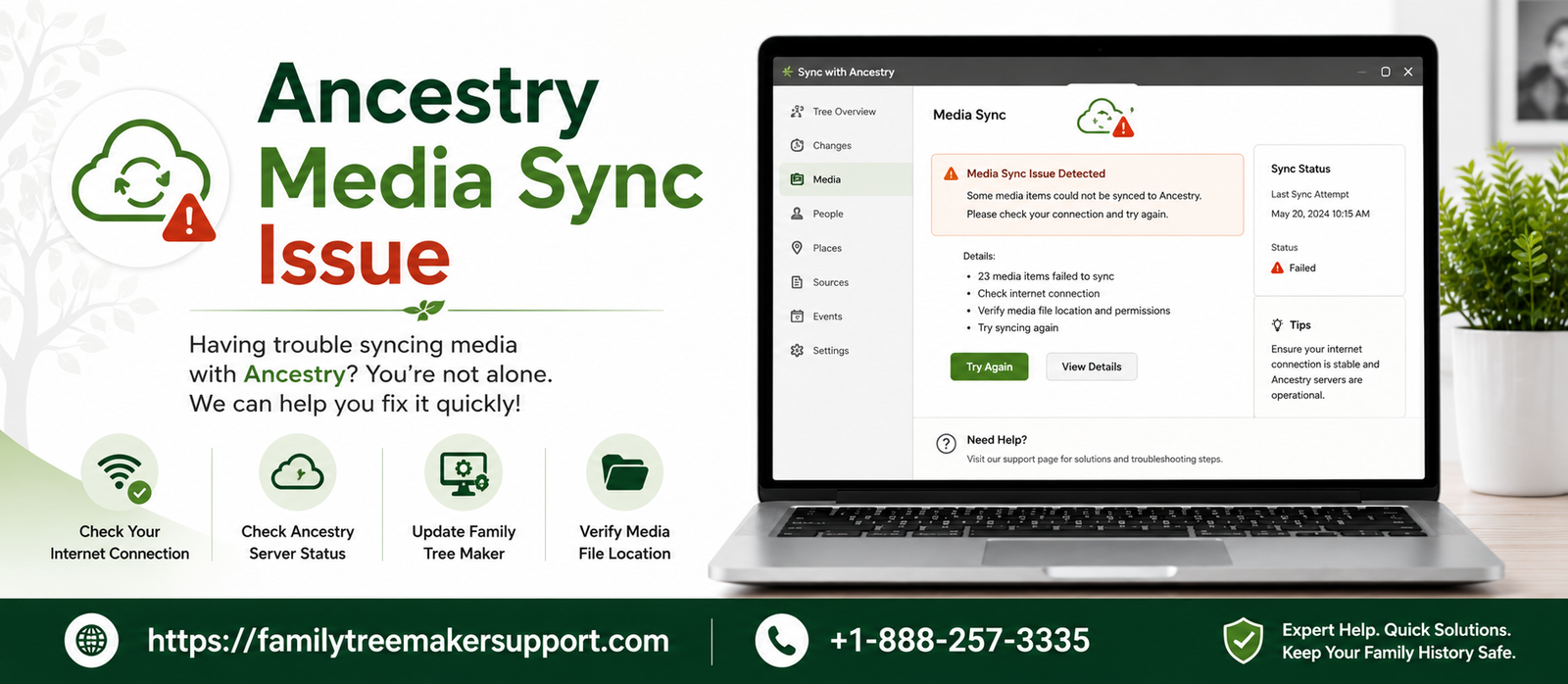
Family Tree Maker users take the help of FamilySync technology to synchronize family tree data and support media files with Ancestry. It includes photos, scanned documents, and other types of media between your computer and Ancestry Family Tree.
But interrupted Ancestry Media Sync Issue, damaged media links, unsupported file types, software conflicts, and connection issues create trouble in media file syncing. This leads to missing photos, incomplete media downloads, or files unable to upload to ancestry.
This guide will walk you through common reasons for media synchronization issues and provide insight into troubleshooting methods, helping you restore successful syncing.
What Are The Ancestry Media Sync Issue In Family Tree Maker?
Through media syncing, Family Tree Maker keeps photos, documents, and other kinds of media files synchronized with Ancestry Family Tree. If you are looking to add supporting media or want to perform a sync, those files should be present in both Family Tree Maker and Ancestry.
Here are some of the common issues mentioned below:
- Photos will not appear on Ancestry.
- Missing media files right after syncing.
- Broken or invalid media links.
- Documents which have never been downloaded.
- A complete sync that does not include media files.
Common Signs Of Media Sync Issues
Here are some of the media sync problems in Family Tree Maker mentioned below; go through all of them one by one:
Missing Photos After Syncing
One of the most common signs is that the photos that you have added to Family Tree Maker or Ancestry will not appear after a sync. Some of the images might transfer while others will remain missing, leaving your whole media collection incomplete.
Broken Image Icons Within Family Tree Maker
If you are noticing broken image icons or placeholders in place of photos, it usually shows that Family Tree Maker cannot locate the original media files. It usually happens when media files get removed, renamed, or deleted from their original folder.
Presence Of Media In Family Tree Maker But Not On Ancestry
You will also encounter issues where the photos or documents exist on Ancestry but do not download to your local Family Tree Maker tree. It happens when the download process faces interruptions or the media files fail to sync in a proper manner.
Family Sync Freezes While Uploading Media
If the synchronization process does not respond or is stuck while uploading media files, it might indicate an unstable internet connection, a large media library, or temporary communication issues with the Ancestry servers.
Warning Messages Appear After Sync
You will notice that family sync is complete but displays warning messages or skipped items. All these types of warnings usually inform you that some of the media files are not uploaded, downloaded, or linked successfully.
Absence Of Media Folder
If the Family Tree Maker folder is moved, renamed, or deleted by mistake, the software will no longer be able to locate your photos and documents. It can result in missing media, broken links, or incomplete synchronization.
What Are The Reasons Behind Ancestry Media Sync Issue?
There are a number of reasons that lead to the ancestry media sync issues. This includes internet interruptions on a temporary basis, software-related issues, and many more. To know more about the same, go through the information mentioned in the table below:
Poor Network Connection | A weak or interrupted internet connection can easily prevent the media files from syncing properly between Family Tree Maker and Ancestry. |
Older Family Tree Maker Version | Working with an older version of Family Tree Maker will lead to sync errors due to unresolved bugs or compatibility issues. |
Damaged Media Files | Media files that are damaged or hard to read will get skipped or fail during the synchronization process. |
Missing Or Invalid Media Files | If there is any photo or document that has been moved, renamed, or deleted, it will not be found by Family Tree Maker to upload or sync. |
Unsupported Media Files | Files that are stored in unsupported formats will not be transferred successfully during family sync. |
Media Files In Bulk | Trees with a large collection of photos or documents will require an extra amount of time to sync and are also prone to timeouts. |
Firewall Or Antivirus Restrictions | Security software can easily block Family Tree Maker’s connection to Ancestry, which will lead to interruptions in the media synchronization. |
Ancestry Server Downtime | Ancestry server maintenance or sudden outages can stop the syncing on a temporary basis. |
Damaged Tree File | Errors within Family Tree Maker can easily prevent the media and tree information from syncing successfully. |
How To Fix Ancestry Media Sync Issues In Family Tree Maker?
With the steps below, you can easily resolve the Ancestry media sync issues in Family Tree Maker. Go through all of them at once:
- Verify your internet connection.
- Update your Family Tree Maker to the latest version.
- Check your Ancestry account.
- Repair the broken media links.
- Look for corrupted media files.
- Turn off the antivirus or firewall on a temporary basis.
- Let the Ancestry server issue get resolved.
- Compact and repair your tree properly.
- Minimize the size of the large syncs.
- Restore the tree from the backup.
Ways To Check If The Media Sync Was Successful
With the tips below, you can check whether the media sync was successfully completed or not.
- Do a comparison between the media files.
- Try to open some photos.
- Check the attached documents.
- Go through the sync report.
- Look for the skipped or missing media.
- Have a small test change.
What Kind Of Things Family Sync Does Not Synchronize
Here are some of the things mentioned below which are not synchronized by the family sync:
- Research notes
- Tasks
- Comments
- DNA results
- Smart stories (editable versions)
- Color coding
- Some kind of documents edits
Conclusion!
A number of users face Ancestry media sync issues in Family Tree Maker, which looks quite frustrating, especially when important family photos or documents fail to appear after the synchronization. Even though media sync issues can occur due to broken file links, older software, network issues, damaged tree files, or other issues, all of these can be resolved with the right type of troubleshooting approach.
By adhering to all the crucial information mentioned in this guide, you can resolve the issue and prevent them in the future as well. Along with this, practice proper maintenance to keep your family tree and media collection synchronized, organized and protected.
Andy Smith is a genealogy researcher and family history specialist with over 10 years of experience in family tree research, ancestry records, and genealogy software. He specializes in Family Tree Maker, Legacy Family Tree, Ancestry, FamilySearch, and DNA-based family history research, helping users preserve and organize their family heritage.