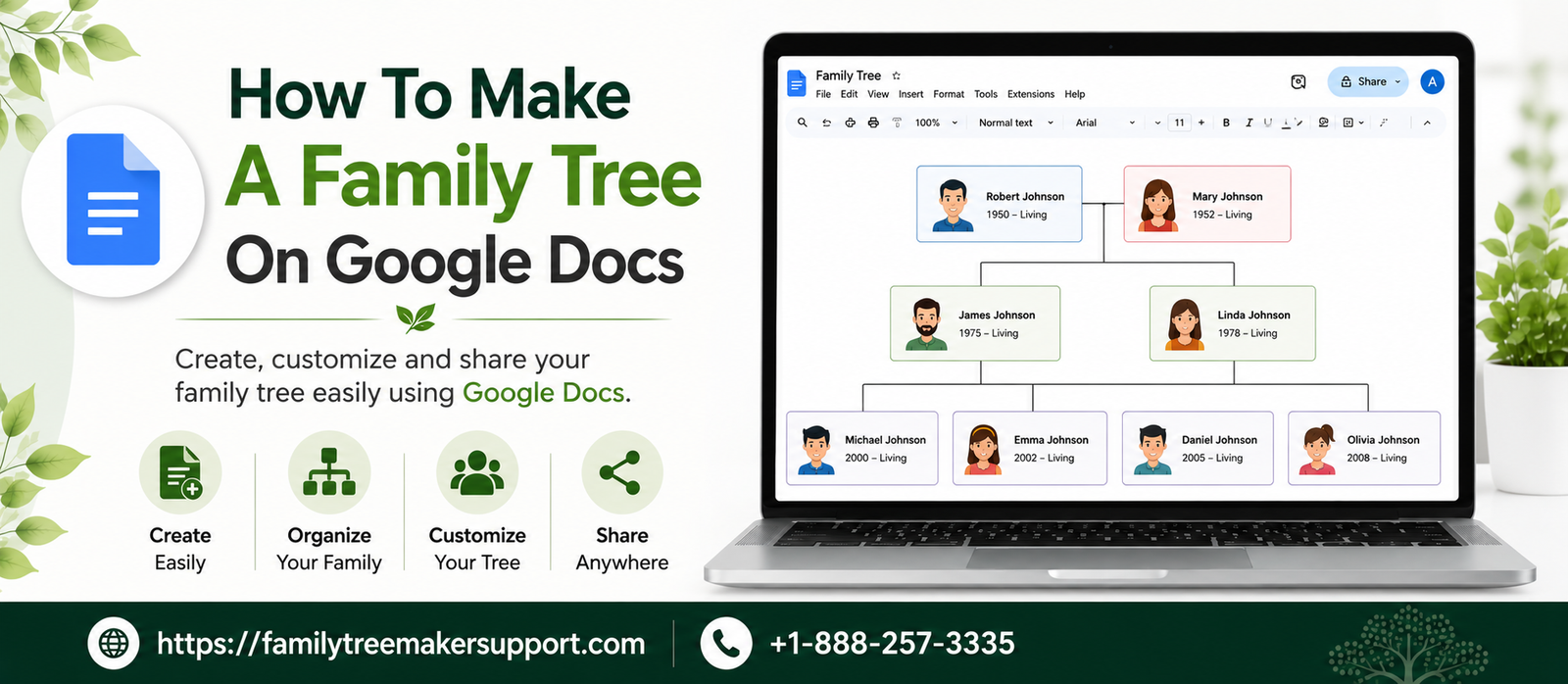
A family tree is a visual chart that helps users record family history and understand relationships across generations. This is one of the easiest ways to preserve family history, organize information in a proper manner, manage connections in a precise format, and more. If you have make up your mind without taking the help of complex software, you can try Google Docs. Even if the sole purpose of Google Docs is not genealogy, its built-in drawing features still help users create clean, professional family trees. With this guide, you will get a thorough understanding of How to Create a Family Tree on Google Docs, including setting up a blank document, customizing, adding members, and many more.
Is It Possible To Create A Family Tree Maker On Google Docs
Yes, it is quite easy to create a family tree through Google Docs. You just have to use built-in drawing tools to create one. Even though users rely on Google Docs to create documents, it can be used to create a family tree easily. It is highly suitable for school assignments, personal projects, and anyone planning to organize family relationships.
What Is Offered By Google Docs
Google Docs provides several tools to create a basic family tree, which is simple and convenient. You can easily use the drawing feature. To add shapes for family members, connect them with lines, insert text, and customize fonts and colors. Since the document is stored in Google Drive, you can access it from any device, collaborate with loved ones, and share it with a link.
Good Docs vs. Google Drawings
With Google Docs, you can focus on creating documents using basic drawing tools. Google Drawings helps users create diagrams and visual layouts. If you are looking to create a complex family tree with multiple branches and generations, Google Drawings can be a great choice for its flexible workspace.
Why Rely On Google Docs To Create A Family Tree
You can use Google Docs if you want to create a family tree. It has a number of advantages, such as being free, easy to use, and accessible on multiple devices. From documenting your family history, submitting a school assignment, or initiating your genealogy journey, Google Docs is considered the best basic tool for creating a family tree. Here are some of the benefits of google docs mentioned below:
Free To Use
There is no cost of using Google Docs. You can easily use it with a Google account. You don’t have to purchase or install any software, which makes it an affordable option for creating and maintaining a family tree.
Easy To Make Changes
You don’t have to follow a rigid pattern to edit it. You can easily edit names, dates, and relationships, and add new family members without having to recreate the entire family tree.
Access From Any Device
As Google Docs is cloud-based, it’s easy to access the Family Tree from any device, including a computer, tablet, or smartphone, without needing internet access.
Collaboration Becomes Possible
Google Docs lets you share your family tree with relatives and family friends and allows them to view, comment, or edit the document. It becomes easy to collaborate and gather the right family information.
Cloud Based Storage
The family tree automatically saves in google drive. This prevents the risk of losing your hard work and allows access to the latest version from any location.
Essential Things You Must Have
There are a number of things you must prepare before creating a family tree in Google Docs. It will help you keep the process smoother and maintain accuracy in the family tree.
- A working Google account
- Correct family information
- List of names and relationships
- Photos and dates (it’s highly optional)
Procedure For Creating A Family Tree On Google Docs
It is very easy to make a family tree on Google Docs with the help of built-in drawing features. Even though the main purpose of Google Docs is not to support genealogy tasks, it provides all the necessary tools that help users create an organized family tree.
- Navigate to Google Docs and open a blank document.
- Rename the doc right before creating a tree.
- Head to Insert> Drawing> + New in order to launch the drawing canvas.
- Add shapes for the family members.
- Mention the names and details of the family members.
- Bring a connection among family members via lines.
- Modify the designs such as fonts, borders, colors, and all.
- Finalize the tree, save it, and share your family tree.
How To Create A Family Tree
With the tips below, you can easily create a family tree in a precise manner. Go through all of them at once:
- Commence with the earliest ancestors. This helps maintain the natural flow of the hierarchy.
- Maintain a distance between family members. This will enhance the readability of the family tree.
- Stick to one design only, including one font style, one shape style, and one simple color throughout the document. It maintains a clean and professional look.
- Include only appropriate names and dates. Unnecessary information will make it difficult to read.
Mistakes To Avoid While Creating Tree
Here are some of the mistakes given below which are committed by the users while creating a family tree. Go through all of them at once:
- Do not skip the planning stage. Proper planning will help you organize everything within the family tree.
- Do not use too many colors or fonts. Sticking to one font or simple palette will maintain a clean and consistent layout.
- Don’t forget to save the changes. Even though Google Docs saves the work automatically, it is still better to check whether it is syncing in the Google Drive or not.
Conclusion!
As you have got an idea of How to Create a Family Tree on Google Docs, you can look forward to documenting your family’s history with confidence. By taking the help of some built-in tools, you can easily organize your family information, create proper relationships among generations, and personalize all of your family trees with the help of names, dates, and photos. After creating the tree, review it properly and expand it. This will help you preserve your valuable family history for years.
Andy Smith is a genealogy researcher and family history specialist with over 10 years of experience in family tree research, ancestry records, and genealogy software. He specializes in Family Tree Maker, Legacy Family Tree, Ancestry, FamilySearch, and DNA-based family history research, helping users preserve and organize their family heritage.