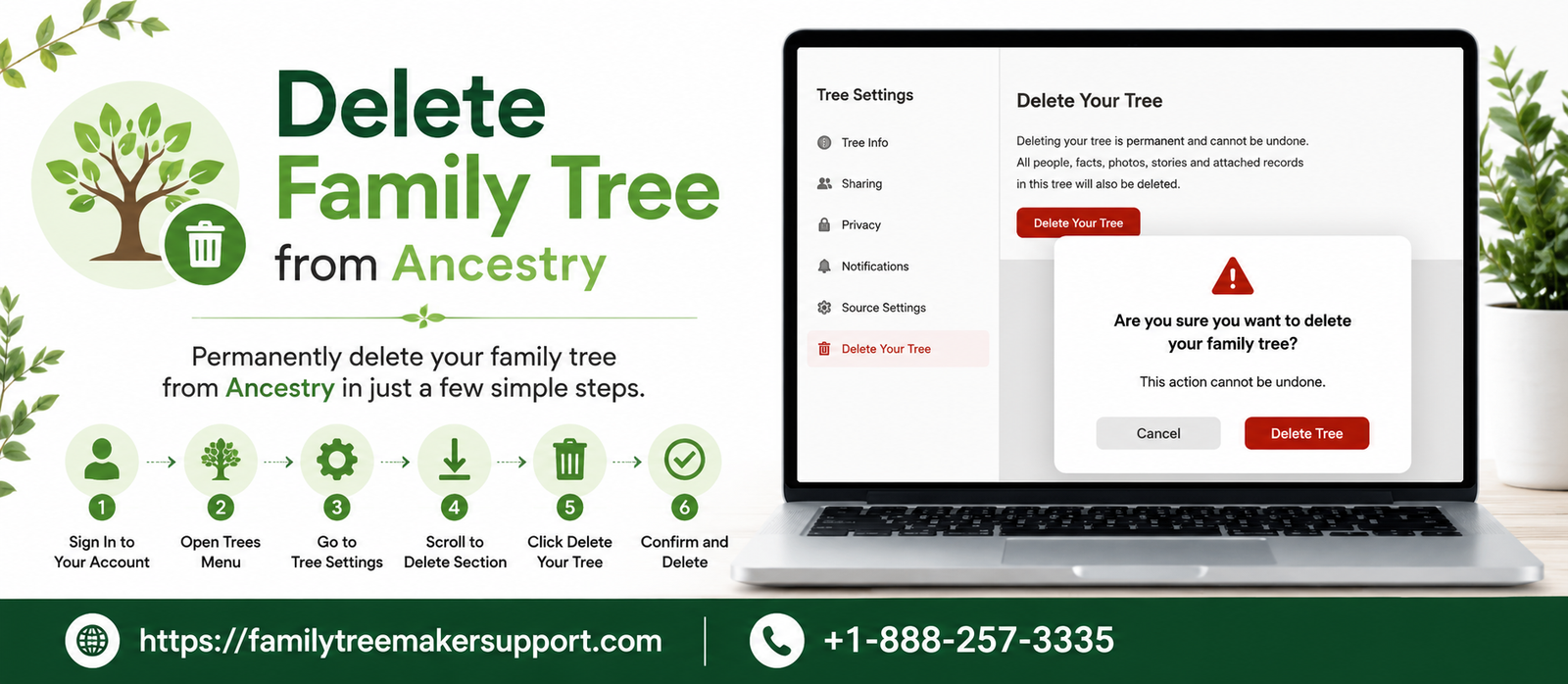
Over time, you will notice the creation of a number of family trees based on Ancestry while looking for different family lines or testing the latest information. Even if you have imported incorrect information, Ancestry allows you to permanently delete a family tree in just a few steps.
Before you commence, you won’t be able to reverse the act once it is done. All the people, documents, and stories that were a part of the tree will be deleted permanently. If there is any important information stored in it, just save or export the particular one. For further insight, take help of this guide to proceed with the procedure smoothly.
Ways of Deleting a Family Tree from an Ancestry Account
Here are two methods of deleting the tree from the Ancestry account. One for the one you have created, and the other is for the one shared with you. Go through all of them at once:
Deleting The Created Tree
- Select the trees tab and open the family tree that you are looking for to delete.
- Tap on the tree name and select tree settings.
- Navigate to the bottom of the page and click on delete your tree.
- Enter your password and click on Delete to permanently move the tree.
Removing The Shared Family Tree
- Select the trees tab and choose to create and manage trees.
- Click on Trees Shared with me and open it.
- Tap on Remove from list next to the shared tree.
- Click ok to confirm.
Things To Know Before Family Tree Deletion
Keep the below mentioned points in mind before deleting a family tree. Go through all of them at once:
- Deletion Is Irreversible
Once you delete the tree, there is no going back. Ensure you are going to delete the right one that is of no use.
- Keep a Backup
Export your family tree in the form of a GEDCOM file or save all the crucial ones, including photos, stories, and records.
- Shared Trees
If you delete the tree that you own, it will no longer be available to all with whom you have shared. If the tree was shared with you, selecting Remove from list will only remove it from your account and will not delete the owner’s tree.
- Check Before You Delete
Go through the tree carefully to ensure it does not have any valuable research or information that you may require later.
Why Should You Delete A Tree?
You may encounter a number of situations where you will find it convenient to delete the family tree. Here are some of the reasons when you should do so:
- If the tree contains inaccurate names, dates, relationships or other kinds of details which are difficult to correct, starting fresh will be easy to do.
- If you mistakenly uploaded the wrong family tree, deleting it will help you to keep your account organized.
- Various copies of the same family tree can bring confusion. It is good to remove the duplicate trees in order to make it easier to manage your research.
- If you are looking to rebuild your family history with the help of updated records and verified information, it is better to delete an outdated tree as it will provide a clean slate.
- A number of users create temporary trees in order to test the records and research for particular family lines. Once the research gets complete, the trees can be removed in a safe manner.
- Deleting old or unused family trees will help you keep your account neat and tidy, and keep it easy to focus on your active genealogy projects.
Conclusion!
With Ancestry, it becomes easy to delete a family tree or remove the shared tree from your account. This will help you clean up duplicate trees, start again, remove the outdated research, and delete it. Do keep in mind that once you delete the tree, there is no going back. So do prepare a little before commencing the act. It will be a smart move where you will not lose any data and save your years of research.
Related Post: How To Download Ancestry DNA Data?
Andy Smith is a genealogy researcher and family history specialist with over 10 years of experience in family tree research, ancestry records, and genealogy software. He specializes in Family Tree Maker, Legacy Family Tree, Ancestry, FamilySearch, and DNA-based family history research, helping users preserve and organize their family heritage.