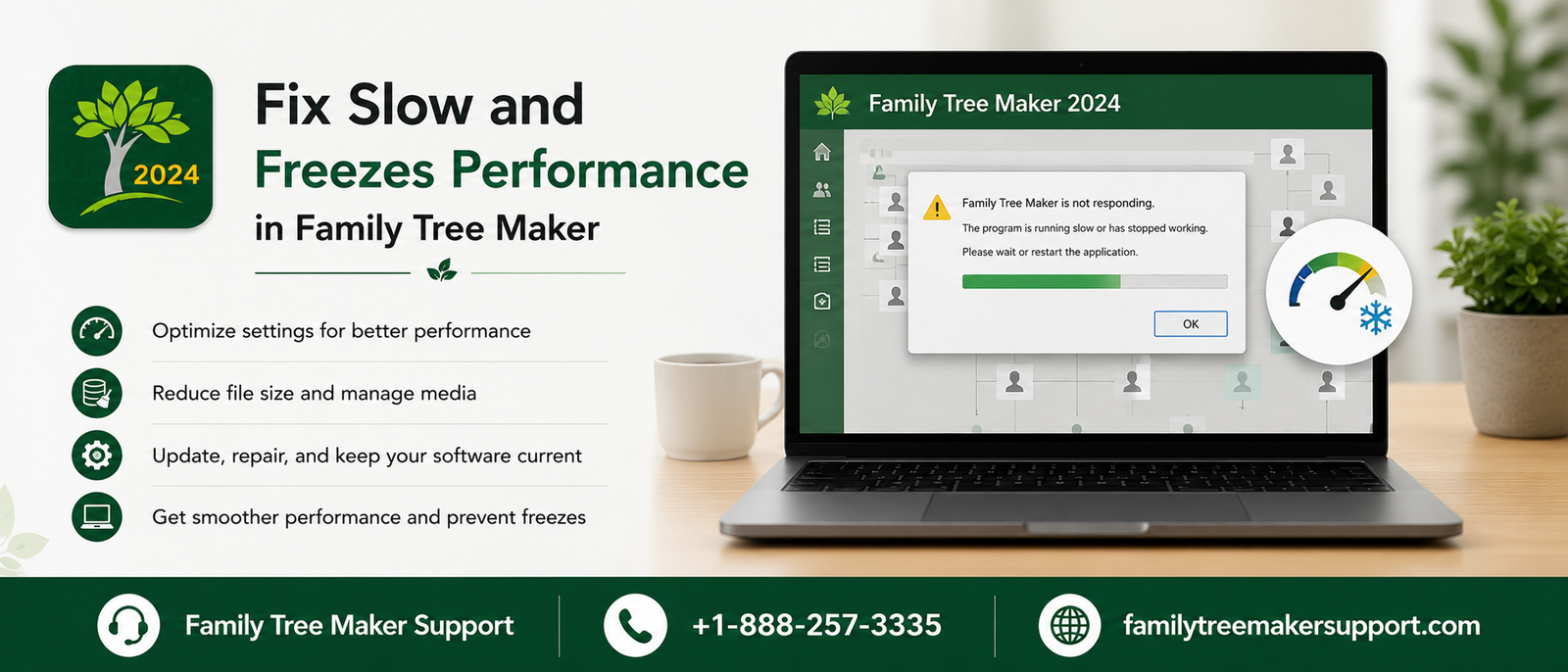
One of the main purposes of designing FTM is to help users efficiently organize their family history. But as the tree grows, the software suddenly becomes Slow and Freezes in Family Tree Maker while in use. You can encounter this in a number of situations, including opening of a tree, adding media, syncing with Ancestry, or generating reports. These issues do not arise from the program itself but from other factors, including system performance, outdated software, and large tree files.
Slow performance is usually associated with large family trees that contain photos, people, and historical documents. The more you store the information, the more memory and processing power it will require. If you are using multiple applications at the same time, it will also reduce the available system resources, making it slower to respond.
Using an outdated version is another reason for the slow performance of Family Tree Maker. With an update, you can easily improve compatibility, fix bugs, and optimize performance. This will improve the overall stability of the software.
Additionally, regular maintenance is mandatory. This includes compacting the tree file, repairing minor database issues, and creating backups, which will minimize freezes and improve performance.
What Are The Reasons Behind Slow Performance And Freezing
There are a number of causes that led to the slow performance and freezing of Family Tree Maker. Here are some of them:
- Enormous family trees with thousands of individuals.
- Large media collection including photos and documents.
- Low RAM or insufficient storage.
- Running various programs simultaneously.
- Using corrupted family tree files.
- Relying on outdated software.
- Damaged media links.
- Antivirus software blocking program files.
How To Resolve Slow Running Or Freezing?
- If you are experiencing issues that are causing slow performance in FamilyTree, you can resolve them using the methods below. Before doing so, have a complete backup of the tree.
- Restart the computer.
- Click on the most recent backup to know whether the original file is damaged or not.
- Install the latest Family Tree Maker updates.
- If syncing is stuck , restart FamilySync.
- Resolve the errors present in the database.
- Update Windows or macOS.
- Check the locations of media files.
- Shut down the unnecessary background applications.
- Compact the family tree file.
How To Prevent Future Slowdowns?
It is an easy and smart approach to prevent future slowdowns using the methods below. Go through all of them at once.
- Have regular backups.
- If you feel any storage issues, check your hard drive for errors.
- Compact your tree periodically.
- Restart your computer regularly.
- Install software updates if available.
- Have sufficient free storage on your computer.
- Update the operating system on a regular basis.
- Avoid interruptions within FamilySync.
- Use the original locations to store media files.
When To Seek Additional Help
If the issue persists after completing the required troubleshooting steps, you can seek additional help for the signs mentioned below.
- The software freezes after opening the same tree.
- Sudden closing of the application with normal use.
- FamilySync is failing repeatedly
- Error messages are showing even after multiple repairs
- Reports are unable to generate
- Disappearance of media files unexpectedly.
Conclusion
The slow run or freeze of Family Tree Maker can be caused by a number of factors, including large tree files, system limitations, file-related issues, and more. All these issues can be resolved with simple troubleshooting steps. If the issue persists, seeking technical support would be a smart choice. Along with this, it is important to do regular maintenance and follow best practices to experience seamless performance.
 Call Family Tree Maker Support: +1-888-257-3335
 Live Chat with a Family Tree Maker Expert
Andy Smith is a genealogy researcher and family history specialist with over 10 years of experience in family tree research, ancestry records, and genealogy software. He specializes in Family Tree Maker, Legacy Family Tree, Ancestry, FamilySearch, and DNA-based family history research, helping users preserve and organize their family heritage.